How to use it
This component only changes the variant of a component to another variant. Suppose, you want to change a component's variant from A to B using a shortcut(e.g. alt + x), this is the component you need. You cannot transition from page to page as of now.
Drop this component inside another component that has multiple variants.
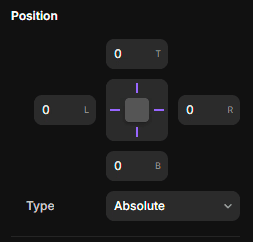
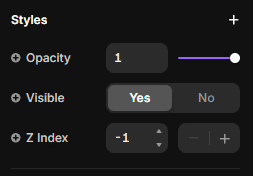
Set position to absolute and pin it to all 4 sides. This will make it easy to link it to other variants. Have the Z index as -1 as well. Alternatively, you can keep the width and height to 1 and pin it to a corner.
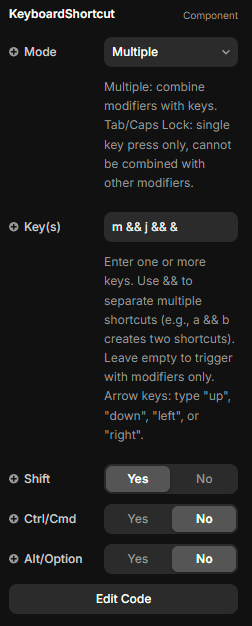
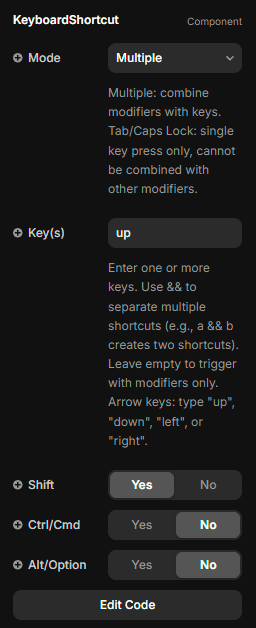
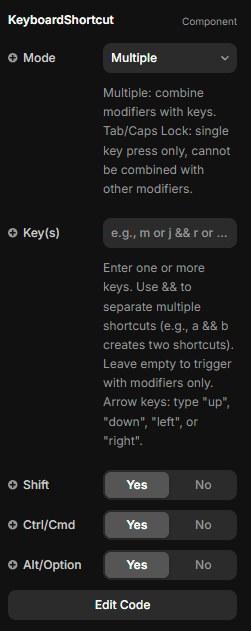
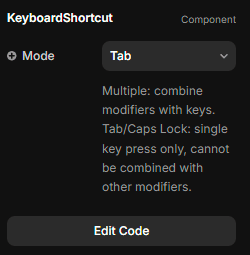
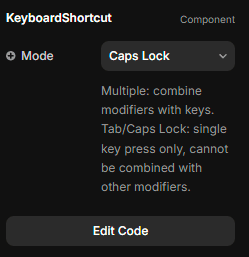
Configure this component: assign whatever key binding you want. You can choose multiple modifiers or no modifiers with a key. You can also only use modifiers as a trigger. Tab and Caps Lock cannot be combined with other key. You can separate two keys with "&&" (e.g. "a && b") - this will enable separate key bindings for the same event.
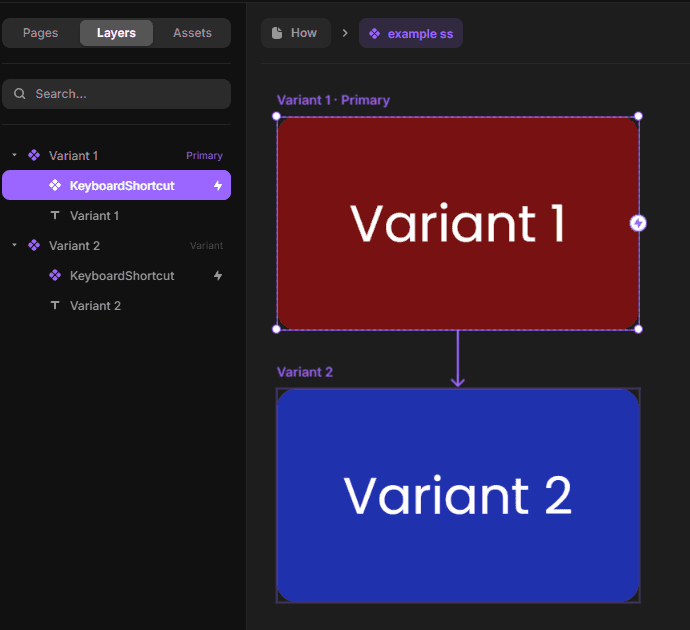
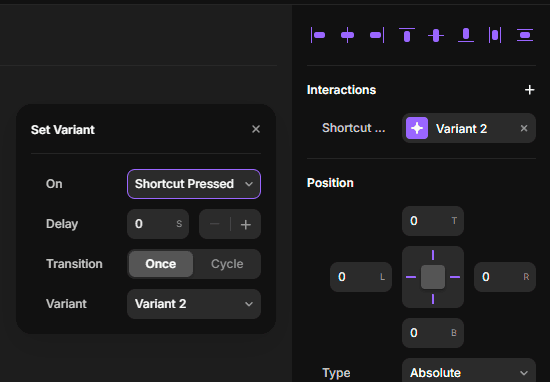
Now connect this component to your desired variant. You can add the interaction through the interactions panel as well.
If you find any error please mail me here